> ## Documentation Index
> Fetch the complete documentation index at: https://dripart-docs-recommend-jobs-api.mintlify.site/llms.txt
> Use this file to discover all available pages before exploring further.
# Mask Editor - Create and Edit Masks in ComfyUI
> Learn how to use the Mask Editor in ComfyUI, including settings and usage instructions
The Mask Editor is a very useful feature in ComfyUI that allows users to create and edit masks within images without needing to use other applications.
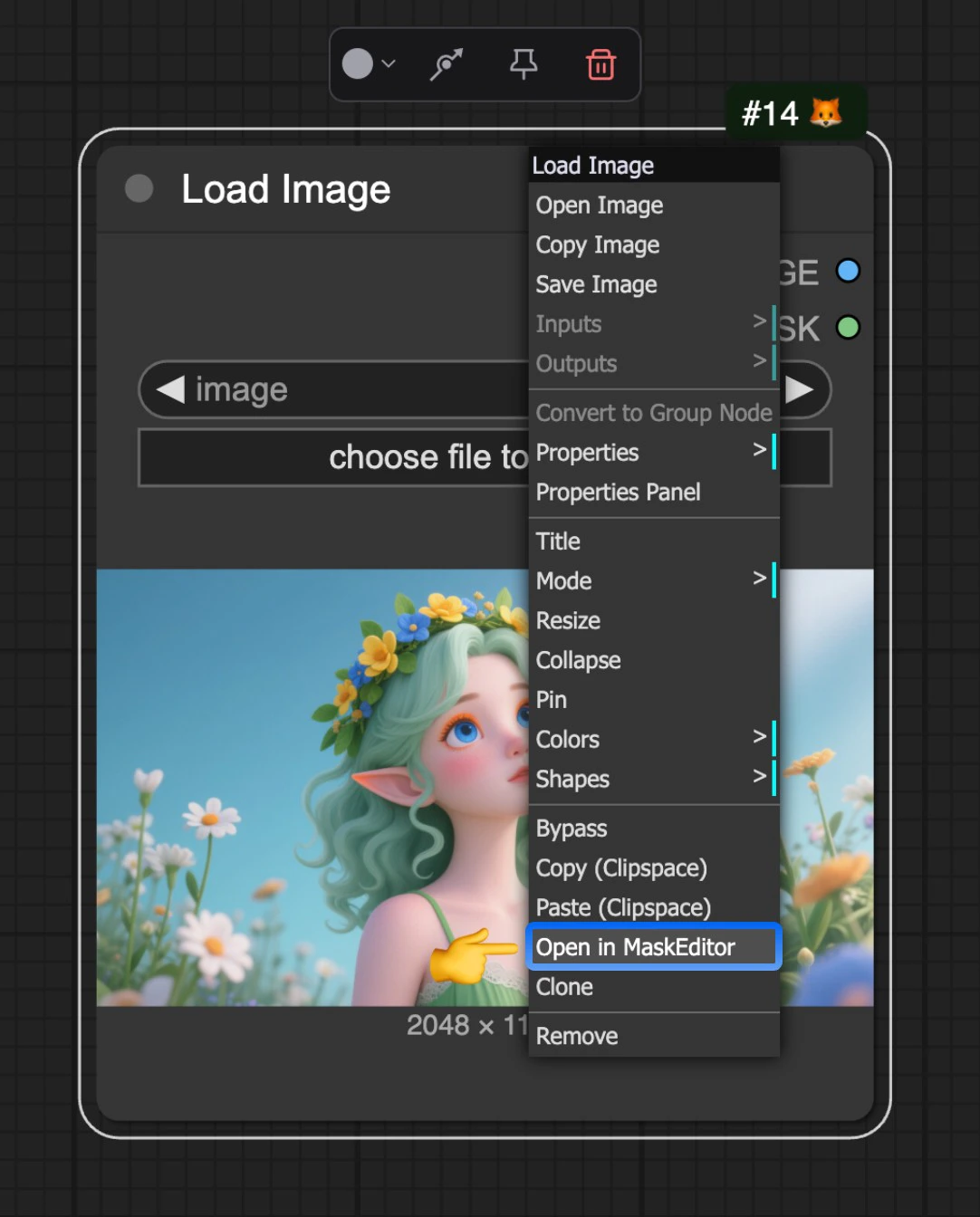
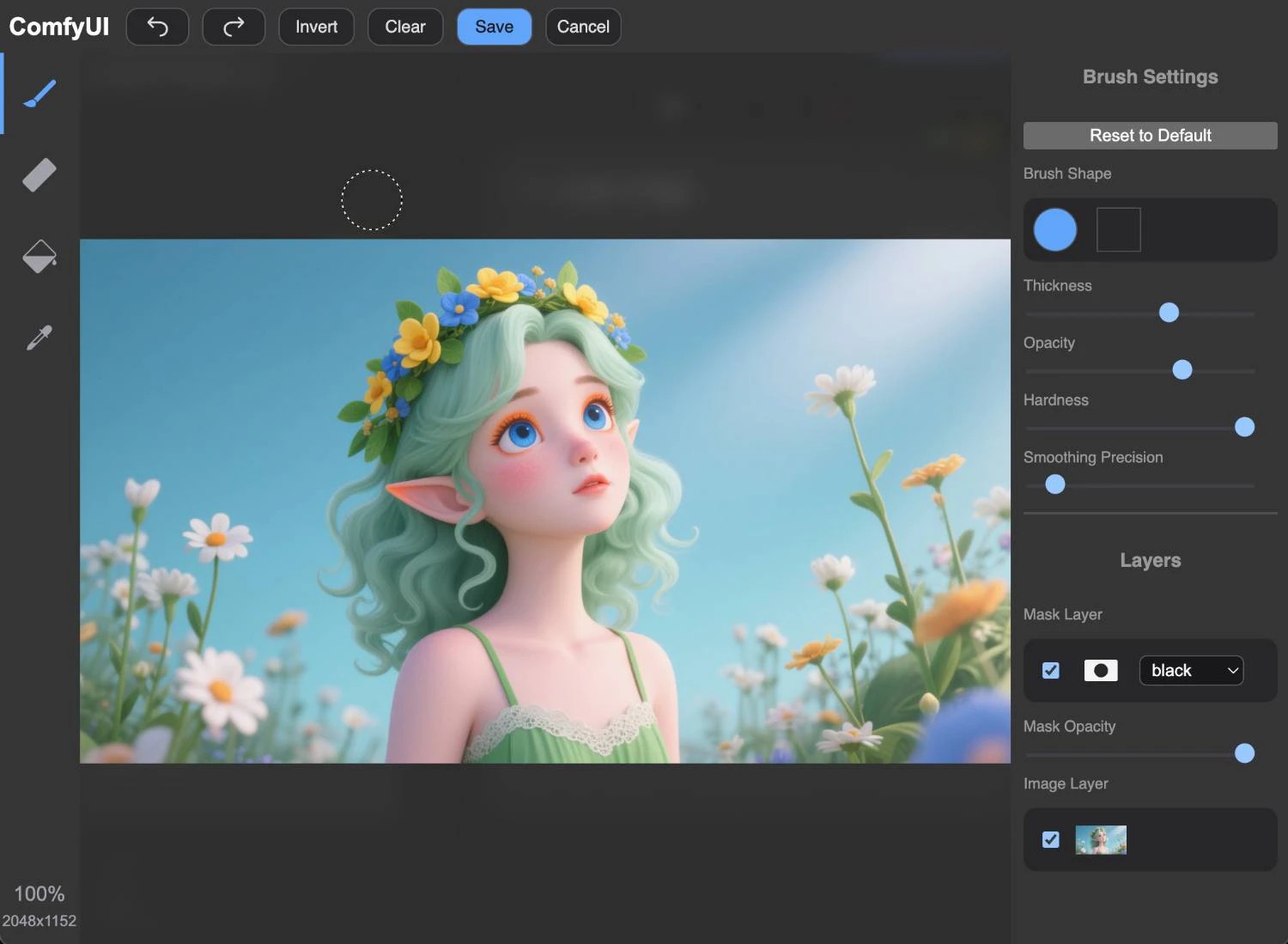
The Mask Editor is currently triggered through the `Load Image` node. After uploading an image, you can right-click on the node and select `Open in MaskEditor` from the menu to open the Mask Editor.
You can then click with your mouse on the image to create and edit masks.
## Video Tutorial
 You can then click with your mouse on the image to create and edit masks.
## Video Tutorial
You can then click with your mouse on the image to create and edit masks.
## Video Tutorial